MediTrak - Patient Data Simplified
A mobile-first patient data platform streamlining EMR workflows for faster decision-making across NHS teams.
Role
UX/UI Designer
Industry
Medtech - Patient EMR, NHS
Duration
1 Year - 2026
Introduction
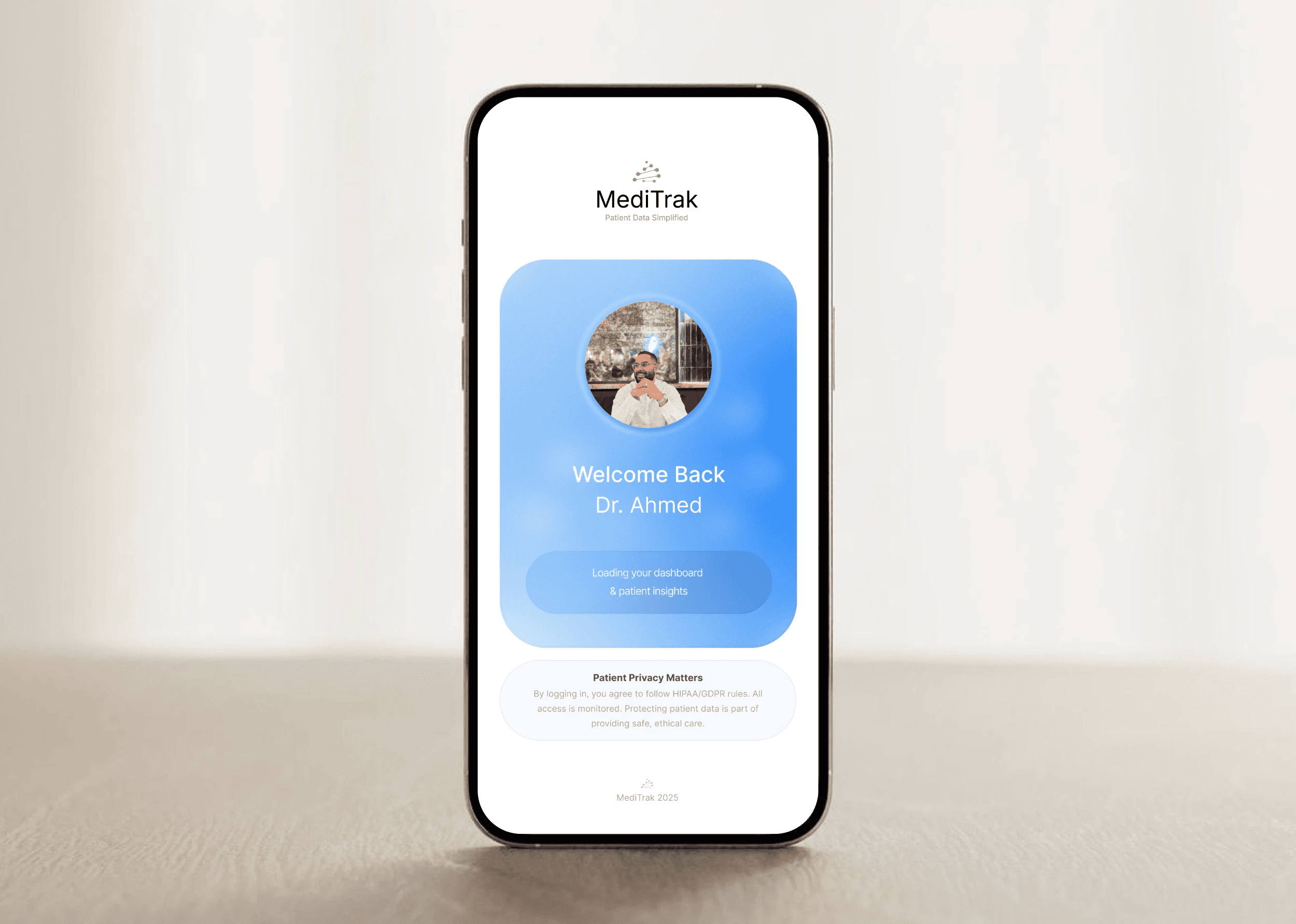
A mobile-first healthcare platform designed to streamline patient data management across NHS teams, reducing workflow friction and improving real-time decision-making in high-pressure environments.
Explore the case study: MediTrak - Patient Data Simplified
Stage 1: Empathise
To better understand gaps in electronic patient management within NHS care environments, we engaged practising A&E professionals from medical centres across London. Through their first-hand experience using systems like Cerner EMR, we aimed to identify key pain points and opportunities to improve efficiency in patient data and care management.
EMR Market Research & Product Insights
Conducted a comparative analysis of existing EMRs, including Cerner and Meditech.
Analysed IA, UI components, layout structure, and key product features.
Mapped potential user journeys based on survey data, analysis, and user feedback.
Mapped user flows using insights from qualitative and quantitative data.
User Research & Insights Synthesis
Identified and recruited 1–5 NHS-accredited participants for user research study.
Ran unmoderated interviews through a multiple-choice questionnaire.
Recorded findings and key themes through spreadsheet notes.
Analysed and synthesised experience data to define relevant UX themes.
Presented findings and proposed design approach to stakeholders.
Stage 2: Define
Selected professionals completed targeted questionnaires to capture their experiences, workflows, and pain points with patient data systems, highlighting the features they valued most and the aspects of existing EMRs they found frustrating.
Define User Needs & Goals
Developed persona packs for senior and junior medical staff.
Framed key user problems into clear problem statements.
Identified core user needs and established goal statements.
Ranked user needs and product goals to optimise system efficiency.
Affinity diagram – Group research to identify patterns.
Mapped user journeys and designed potential flows based on insights.
Establish design principles - Reflecting NHS product objectives and organisational priorities.
Prepare for ideation – Turn problems into “How Might We” prompts.
Stage 3: Ideate
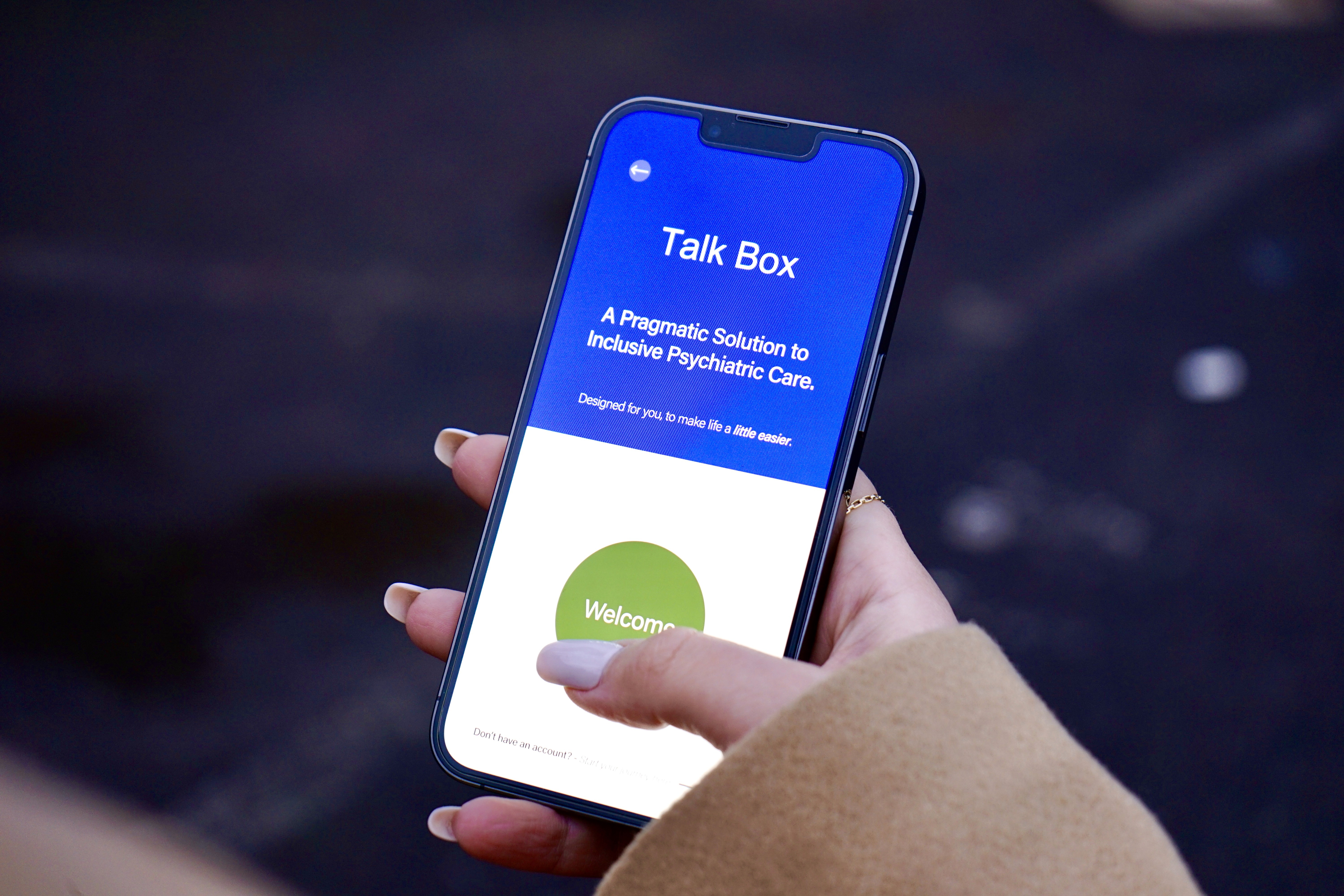
The ideation phase established core product KPIs for Talk Box, prioritising efficient therapy booking, purposeful UI components, cohesive branding, and streamlined user journeys for accessing care.
Rapid Ideation Sketches, Wireframes, and User Flow Mapping
Frame “How Might We” questions – Turn problem statements into actionable prompts.
Brainstorm solutions – Explore ideas through wireframes, quick sketches, and Crazy 8s.
Sketch and storyboard concepts – Map real-world interactions and visualise workflows.
Create Lo-Fi prototypes – Build and refine wireframes, components, and screens.
Establish MediTrak design system – Define brand, logo, colour palette, and typography guidelines.
Prioritise and cluster ideas – Guide development of Hi-Fi prototype screens.
Present Lo-Fi screens – Conduct a second round of interviews to gather user feedback and design insights.
Analysed and synthesised data to define product development.

Stage 4: Prototype
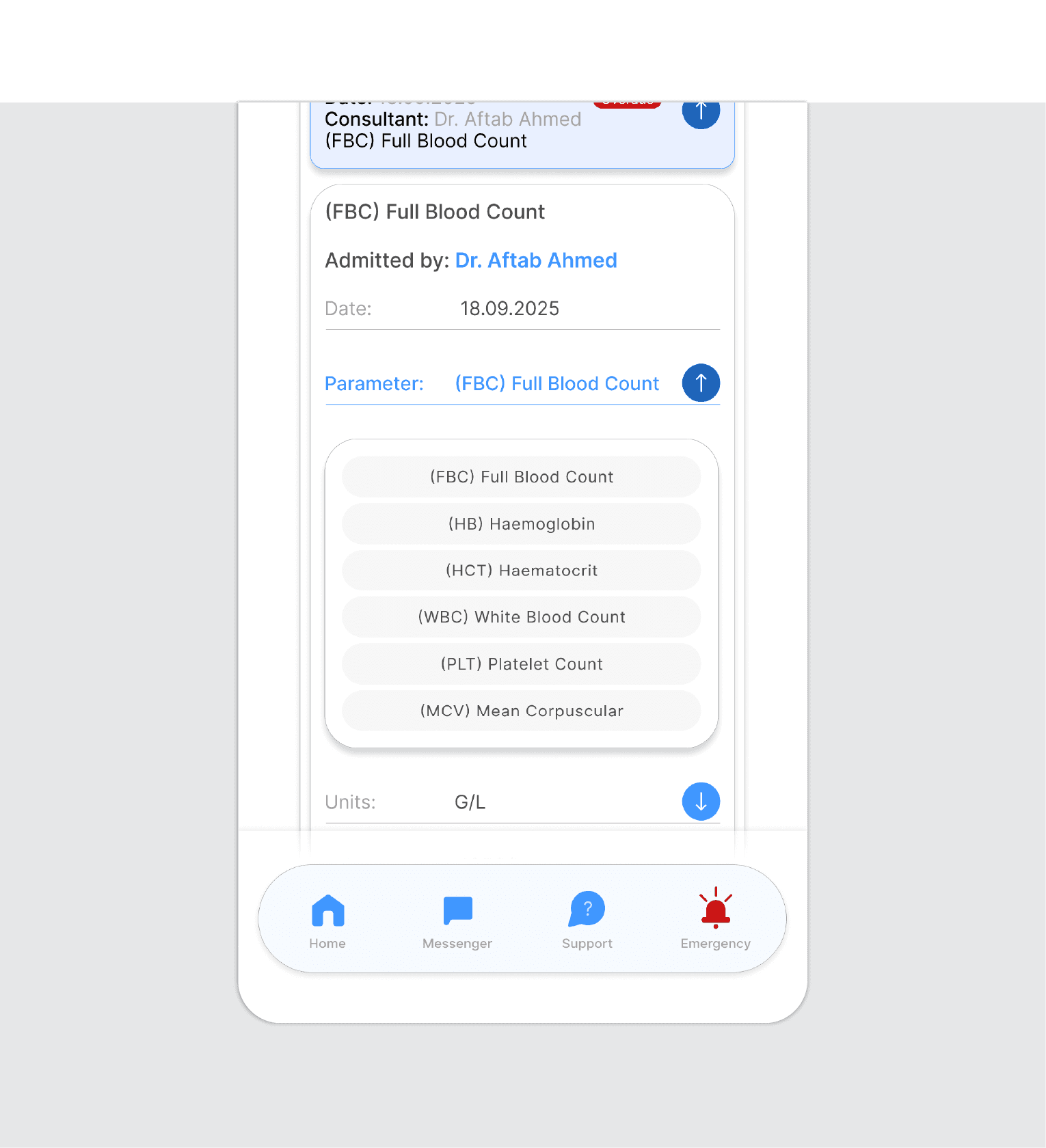
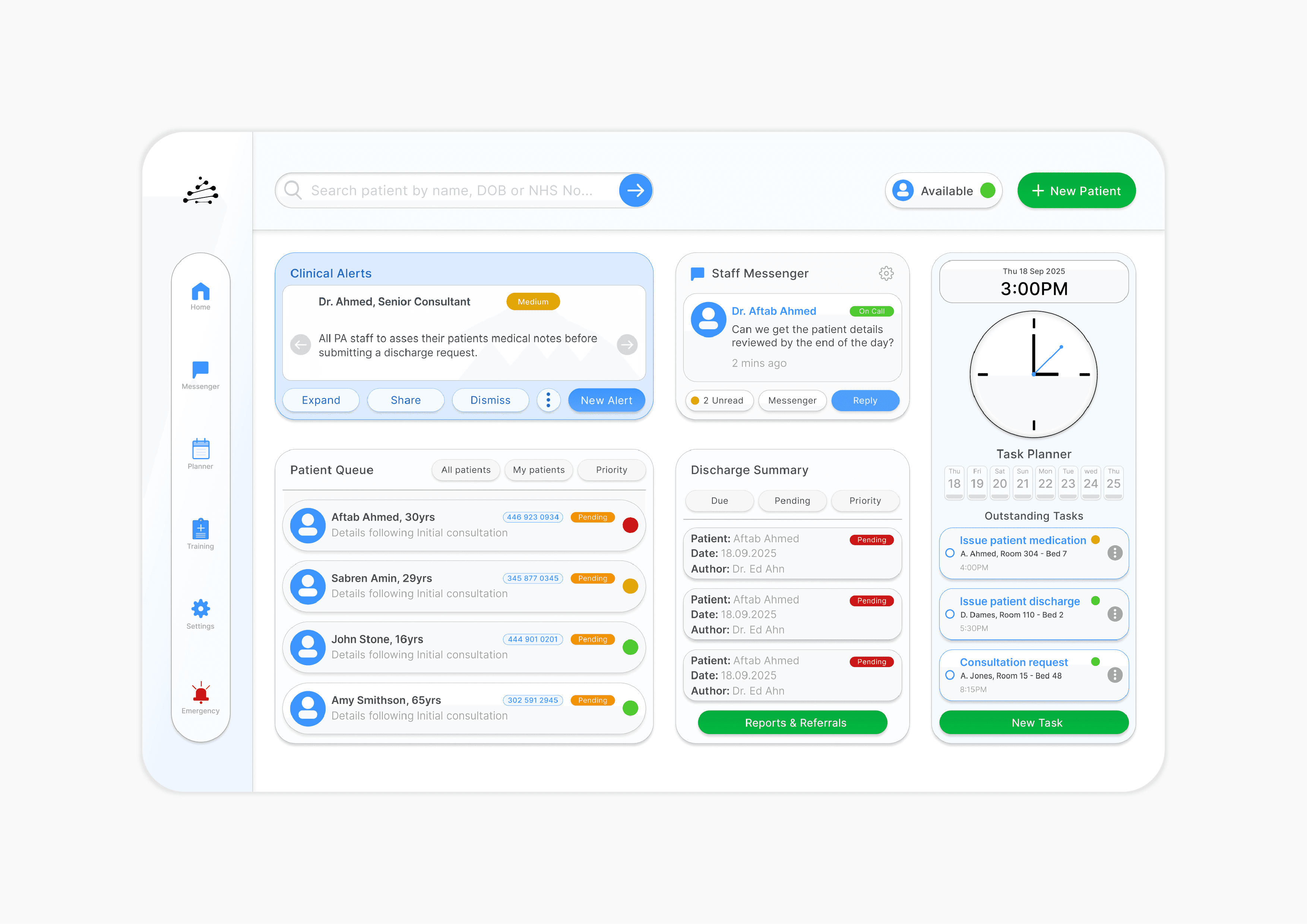
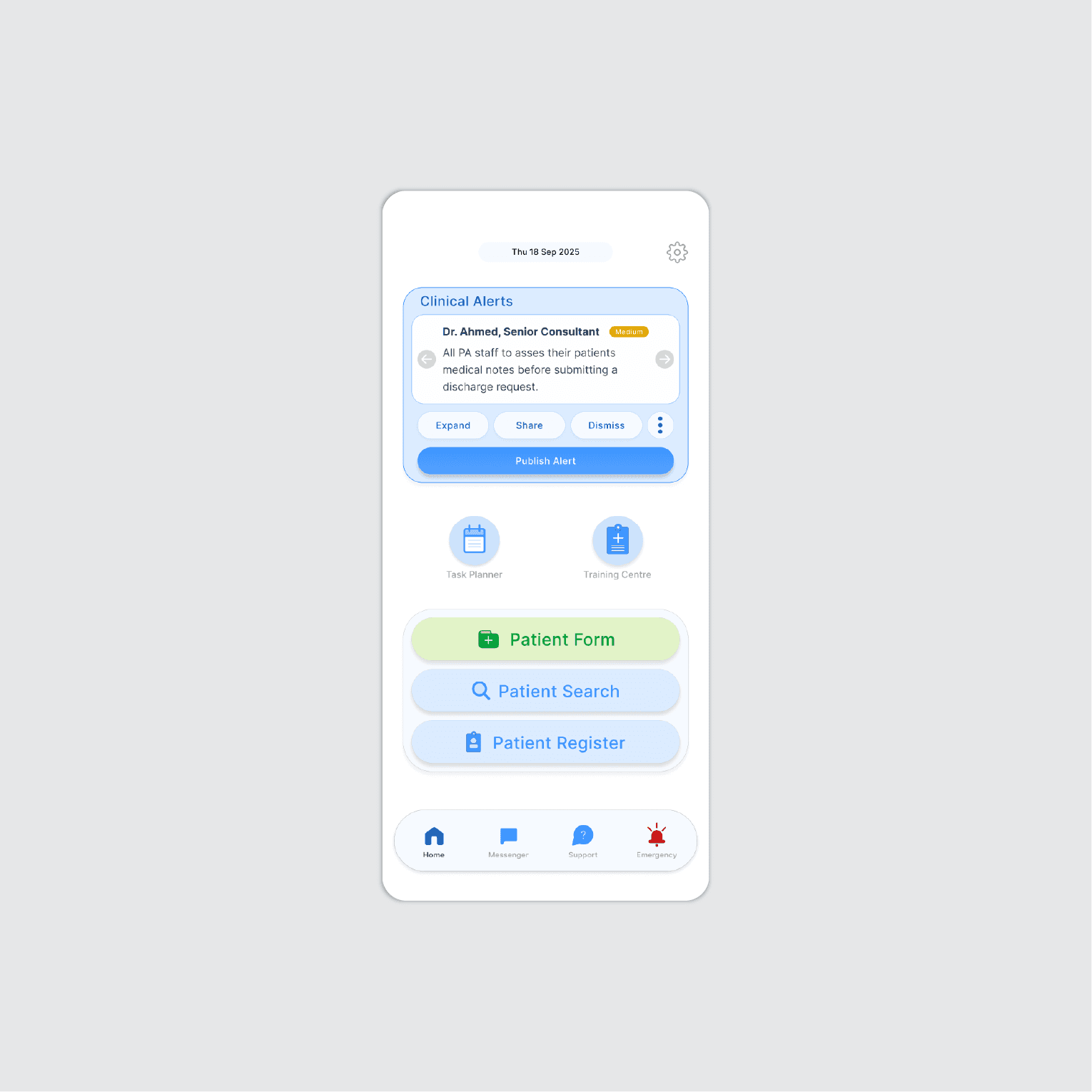
Early prototypes applied hierarchical, sequential, and database layouts for mobile and desktop screens. Strategic IA design ensured seamless product flow, enabling clinical staff to access and manage patient data efficiently through responsive drop downs, clear CTAs, and integrated workflows.
Interface Design & Hi-Fidelity Prototyping
Create Lo-Fi prototypes – Develop wireframes and basic interactive screens for patient data workflows.
Applied WCAG accessibility guidelines and HTML integration across mobile and desktop screens.
Develop Hi-Fi prototypes – Design polished, interactive screens with clinical UI elements and responsive layouts.
Integrate IA and user flows – Ensure logical navigation across EMR functions and clinical workflows.
Add interactive components – Include drop downs, CTAs, forms, and responsive elements for realistic testing.
Test and iterate – Conduct unmoderated usability tests with clinical staff and refine based on feedback.
Handoff documentation – Develop a MediTrak sticker sheet for consistent UI and streamlined development.
Stage 5: Test
The MediTrak testing phase validated the prototype, resolved usability issues, and refined the design based on user feedback.
User Testing, Feedback, and Iteration
Observe and collect feedback – Identify usability issues, friction points, and accessibility challenges.
Conducted usability testing – Evaluated Lo-Fi and Hi-Fi prototypes with clinical staff.
Analyse insights – Refine user flows, layouts, and interface components.
Iterate designs – Improve usability, task efficiency, and clinical workflow performance.